
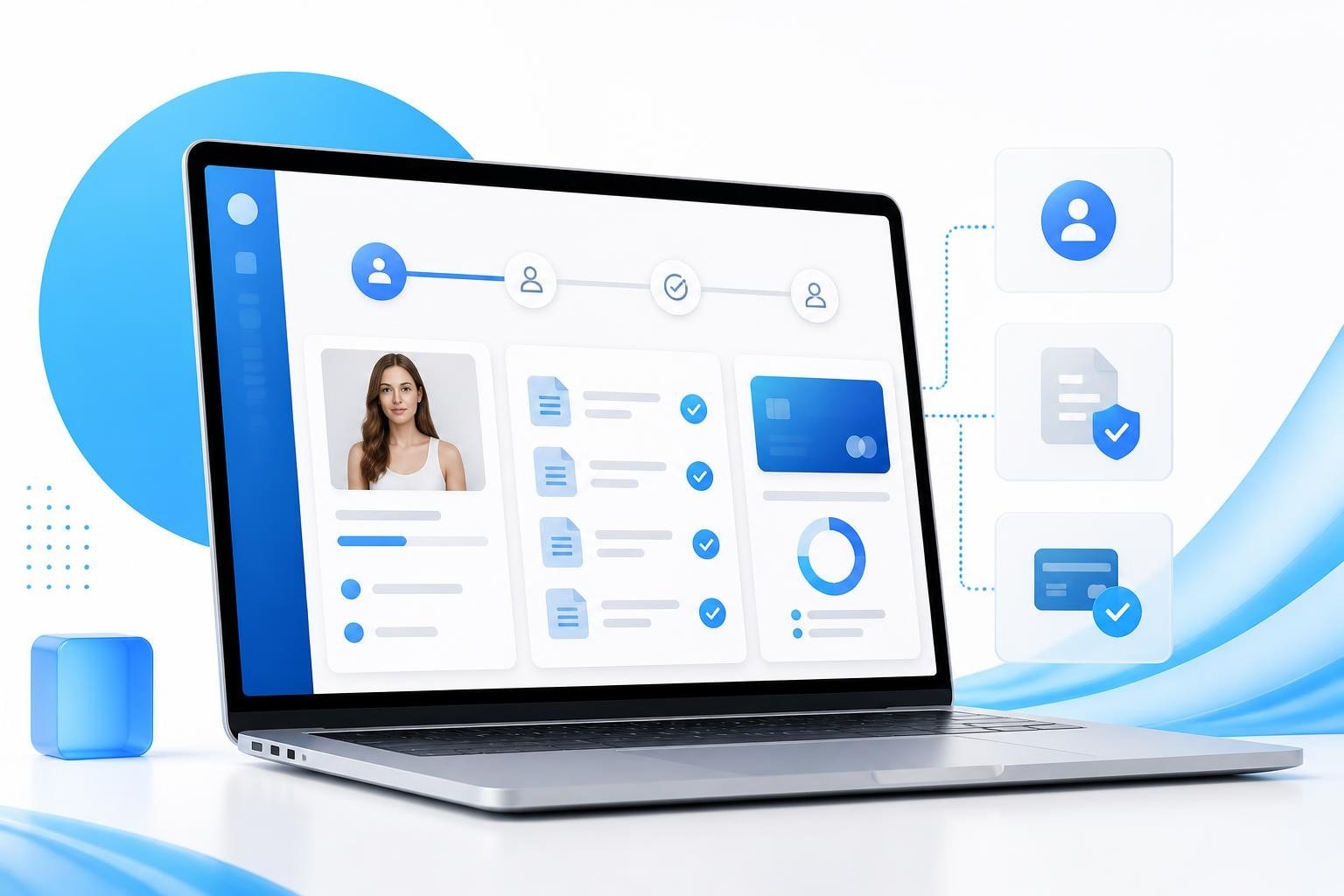
A branded portal serves as your agency's digital front door, giving models, staff, and partners secure access to the tools and information they need while maintaining your professional identity. For creator agencies managing 15-plus models, a well-designed branded portal eliminates the chaos of scattered Google Drives, endless email threads, and inconsistent processes.
Why Creator Agencies Need a Branded Portal
Running a creator agency without a branded portal means your models see generic login screens, confusing file structures, and zero connection to your agency brand. Every touchpoint should reinforce professionalism and trust.
A branded portal centralizes everything your models and team need to access, from onboarding documents to payment histories, while keeping your agency's visual identity front and center. This isn't just about aesthetics. When a new model logs in and sees your logo, your colors, and your organized structure, it signals that you're a serious operation.
Understanding what defines a portal starts with recognizing it as more than just a website. It's a gateway that presents personalized information and tools based on user roles. For creator agencies, this means models see their content plans and earnings, chatters see their assigned accounts, and managers see performance dashboards.
The Cost of Not Having One
Agencies without a dedicated branded portal typically face:
- Models asking the same onboarding questions repeatedly
- Compliance documents scattered across email and cloud storage
- No clear record of who signed what and when
- Payment inquiries clogging your inbox
- New staff struggling to find standard operating procedures
These inefficiencies compound fast when you're scaling past 20 models. What worked with five models becomes impossible with thirty.
Core Components of an Effective Branded Portal
Your branded portal needs specific functionality to serve creator agency operations, not just generic features borrowed from other industries.
Model Onboarding Hub
The onboarding experience sets the tone for your entire relationship. Your portal should guide new models through every step without requiring back-and-forth messages.
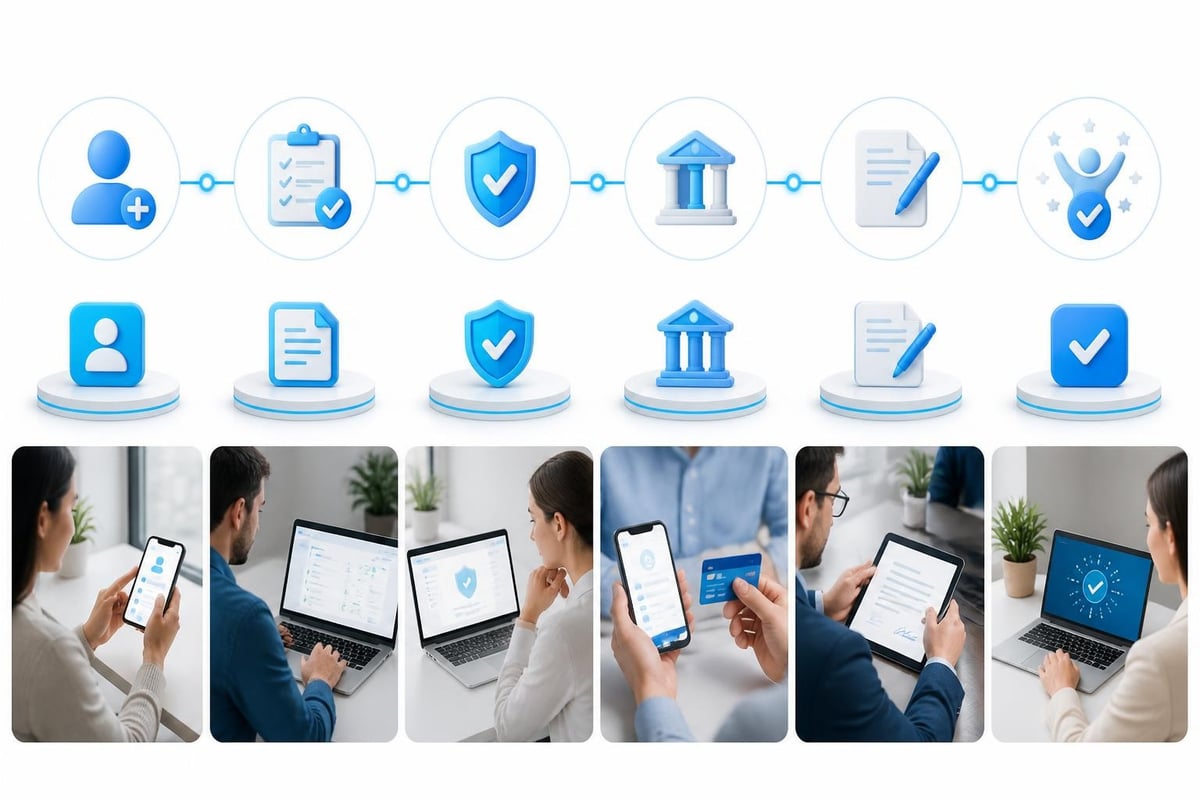
Essential onboarding elements include:
- Welcome message with next steps clearly outlined
- Contract signature workflow with timestamp records
- ID verification and age check submissions
- Banking information collection for payouts
- Content guidelines and brand standards access
- Assignment of account manager or chatter team
Each element should auto-populate dashboards so managers can see exactly where each model sits in the pipeline. A model stuck on contract signature for three days needs a follow-up, not a guess.
Document Management and Compliance
Compliance requirements vary by jurisdiction, but every creator agency needs watertight record-keeping. Your branded portal must store and organize:
| Document Type | Access Level | Retention Period |
|---|---|---|
| Model Contracts | Model + Admin | Duration + 7 years |
| ID Verification | Admin Only | Duration + 7 years |
| Payment Records | Model + Finance | 7 years |
| Content Rights | Model + Admin | Perpetual |
| Tax Forms | Model + Finance | 7 years |
Models should access their own documents anytime without requesting them from your team. This reduces administrative burden while giving models confidence that their paperwork is secure and organized.
Payment Transparency Dashboard
Nothing erodes trust faster than confusion about money. Your portal needs to show each model exactly what they've earned, what's been paid, and what's pending.
Key payment dashboard features:
- Current period earnings with daily updates
- Payment history with downloadable statements
- Pending payments with scheduled dates
- Commission breakdown showing agency split
- Tax document access and download
This transparency eliminates 90% of payment inquiries. Models can log in, see their numbers, and get back to creating content instead of emailing your finance team.
Building Your Portal Around User Roles
Different users need different access levels and interfaces. How branded portals work depends heavily on role-based permissions that show each user only what they need.
Model View
Models need simplicity above all. When they log into your portal, they should see:
- Their personal earnings dashboard
- Upcoming content schedule and deadlines
- Message from their account manager
- Support ticket system for questions
- Document library with their contracts and tax forms
Nothing about other models. Nothing about agency operations. Just their world, cleanly presented.
Staff Dashboard
Your chatters, account managers, and content coordinators need different tools. Their view should include:
- Assigned model roster with key metrics
- Notification system for urgent items
- Quick access to model contact information
- Performance tracking against targets
- Resource library with templates and guides
The agency system you build determines whether staff spend their time hunting for information or actually managing talent.
Manager Overview
Agency owners and senior managers need the 30,000-foot view without drowning in details. Their portal should feature:
Real-time business metrics:
- Total roster size and active model count
- Revenue by model with trend analysis
- Compliance status across all talent
- Pipeline health for new signups
- Churn indicators and retention rates
This consolidated view enables data-driven decisions about where to invest resources and which models need attention.
Design and Brand Consistency Matters
Your branded portal isn't just functional infrastructure. It's a brand experience that should match the professionalism you promise during recruitment.
Visual Elements That Build Trust
Consider what brand portals deliver in terms of consistent visual identity. Every screen should use:
- Your agency logo prominently placed
- Brand colors in navigation and accents
- Custom domain name, not a generic subdomain
- Professional typography matching your website
- Consistent button styles and interactive elements
Generic software interfaces with default blue headers and Times New Roman text signal that you're cutting corners. Models notice these details, especially when deciding whether to stay with your agency or explore others.
Mobile Responsiveness Is Non-Negotiable
Most models will access your portal from their phones between shoots or while traveling. If your portal doesn't work flawlessly on mobile, you're creating friction at every interaction.
Navigation needs to be thumb-friendly. Forms should use appropriate input types. Documents must be readable without zooming. Payment dashboards should display clearly on small screens.

Integration With Agency Operations
A branded portal sitting in isolation adds complexity rather than removing it. The power comes from connecting it to your other systems.
Contract and Signature Workflows
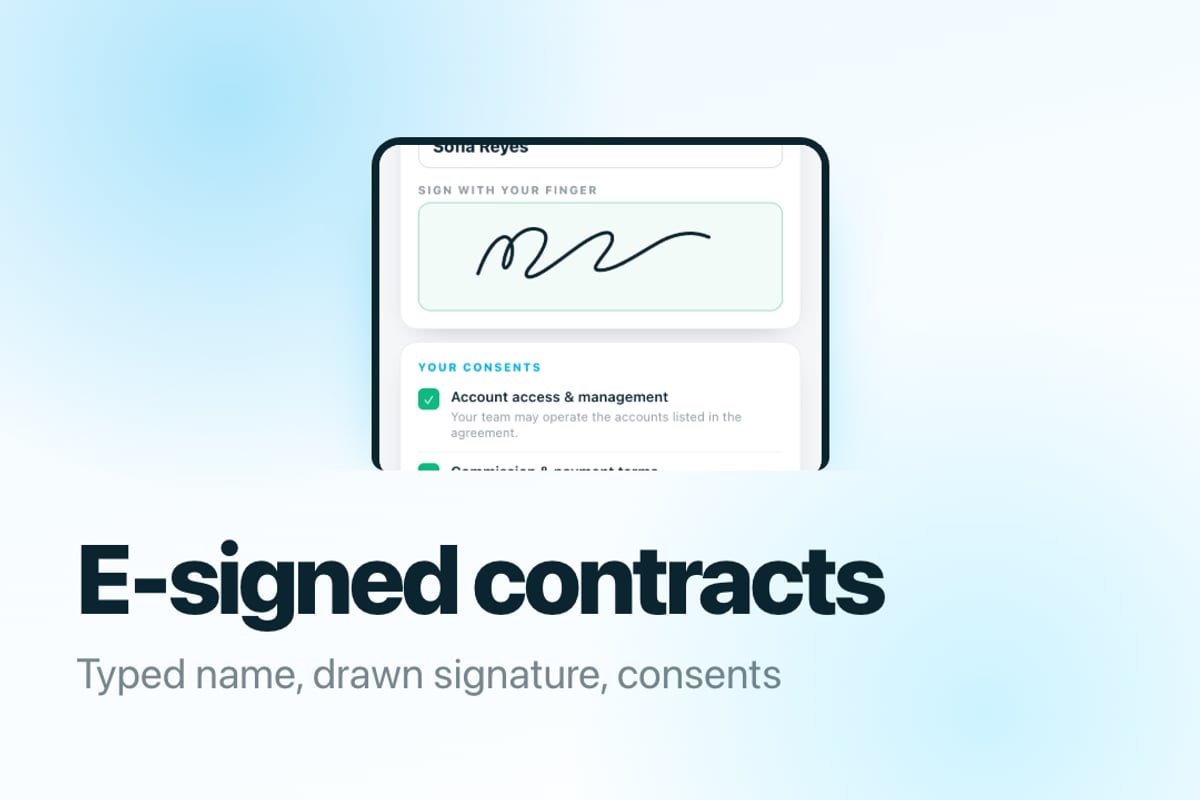
When a new model completes your portal signup, the system should automatically generate their management contract with pre-filled details. They review and sign electronically without printing, scanning, or emailing PDFs.
The signed document saves to their portal file library and the compliance record simultaneously. No manual filing. No risk of lost paperwork.
Financial System Connections
Your portal should pull data from wherever you track earnings and payments. Whether that's a spreadsheet, accounting software, or specialized creator agency tools, the integration prevents manual data entry errors.
Models see accurate numbers because they're coming from the source of truth. Your finance team doesn't field questions about discrepancies between the portal and your internal records because they're the same records.
Content Planning Integration
In-app content plans linked through your portal keep everyone aligned. When you assign Thursday's photoshoot theme to a model, they see it in their portal calendar. When they mark it complete, your production dashboard updates.
This closed-loop system ensures nothing falls through the cracks during your scaling phase.
Security and Access Control
Creator agencies handle sensitive information that requires serious security measures, not afterthought password protection.
Multi-Layer Authentication
Implement these security standards at minimum:
- Strong password requirements with periodic resets
- Two-factor authentication for all user accounts
- IP logging to detect unusual access patterns
- Automatic logout after inactivity periods
- Encryption for data in transit and at rest
Models should feel confident that their ID documents, banking information, and earnings data are protected with the same rigor as online banking.
Audit Trails and Compliance Records
Your portal should log every significant action with timestamp and user identification. Who accessed what document when? Who made changes to payment information? When was each contract signed?
Understanding branded portals in the context of secure asset distribution means recognizing that access tracking isn't paranoia-it's professional operations. These logs protect both the agency and models if questions arise about document handling or information access.
BIGROS was built specifically to handle these operational challenges within creator agencies. The Creator Agency Operating System brings together lead management, model onboarding, compliance tracking, invoicing, and real-time profit and loss in one branded interface that your team and models can access from anywhere.
Implementation Roadmap for Your Agency
Building or adopting a branded portal requires planning, not just flipping a switch and hoping your team adapts.
Phase One: Core Setup (Week 1-2)
Start with the foundation that delivers immediate value:
- Configure your brand elements - Upload logo, set color scheme, establish custom domain
- Set up user roles and permissions - Define what models, staff, and managers can see
- Create document templates - Contracts, onboarding guides, payment explanations
- Build the model onboarding flow - From signup through first payment
- Import existing model data - Migrate current roster with their basic information
Don't try to build everything at once. Get the essentials working smoothly before adding advanced features.
Phase Two: Team Training (Week 3)
Your staff needs to understand the portal as thoroughly as your models will. Schedule focused training sessions:
- Admin walkthrough showing how to add models, upload documents, manage permissions
- Support training covering how to troubleshoot common model questions
- Best practices session establishing standards for portal maintenance
Create internal documentation within the portal itself so staff can reference procedures while learning the system.
Phase Three: Model Rollout (Week 4+)
Introduce your existing roster to the portal in manageable batches rather than all at once. This allows you to:
- Identify confusing elements before they frustrate everyone
- Refine your onboarding instructions based on real feedback
- Provide hands-on support during the transition period
- Build positive momentum with success stories
New models signing after rollout should never know the old way existed. They join directly through the portal and experience your professional system from day one.
Measuring Portal Success
Track specific metrics to determine whether your branded portal is actually improving operations or just adding a new system to maintain.
User Adoption Rates
Monitor how quickly and completely your roster embraces the portal:
| Metric | Target | Action if Below Target |
|---|---|---|
| Login frequency | 80% weekly | Improve value proposition |
| Document self-service | 70% | Enhance navigation |
| Support ticket reduction | 40% decrease | Add FAQ content |
| Mobile vs desktop usage | 60% mobile | Optimize mobile experience |
Low adoption indicates the portal isn't solving real problems for users. Dig into why they're avoiding it rather than forcing usage.
Operational Efficiency Gains
Measure time savings in your actual workflows:
- Onboarding completion time - How many days from signup to first content?
- Compliance verification speed - How quickly can you confirm all documents are current?
- Payment inquiry volume - Are you still answering basic payment questions?
- Document retrieval time - How long to locate a specific model's contract?
These efficiency metrics directly impact your agency's profitability as you scale. Every hour your team spends on administrative tasks is an hour not spent on revenue-generating activities.

Advanced Portal Features for Scaling Agencies
Once your core portal functions smoothly, consider these capabilities that separate professional agencies from amateur operations.
Automated Workflow Triggers
Set up smart automation based on portal activity:
- Model completes onboarding → Auto-assign account manager and send welcome package
- Payment processed → Generate statement and email notification
- Contract expiration in 30 days → Alert both model and admin
- New compliance requirement added → Notify affected models with action items
These triggers eliminate manual tracking while ensuring nothing important gets missed during busy periods.
White-Label Customization
Examples of brand portals show how complete customization reinforces agency identity. Advanced portals allow you to control every text label, button style, and workflow message to match your brand voice.
Instead of "Upload Document," your portal says "Share Your ID for Verification." Small language adjustments make the experience feel uniquely yours rather than generic software everyone uses.
Analytics and Reporting Dashboards
Build custom reports that answer your specific business questions:
- Which models are most engaged with content planning tools?
- What's the average time from contract signature to first earnings?
- Where do new models get stuck during onboarding?
- Which documents get accessed most frequently?
These insights guide where to invest in improving your portal and which features deliver the most value to users.
Common Pitfalls to Avoid
Learning from agencies that built portals before you saves time and frustration.
Over-Complicating the Interface
The temptation exists to add every possible feature and option because you can. Resist it. A portal with 47 menu items and nested sub-sections overwhelms users and reduces actual usage.
Start minimal and expand based on genuine user needs, not theoretical future requirements. You can always add features. Removing them after users have adapted is much harder.
Neglecting Mobile Experience
Testing your portal once on your phone doesn't count as mobile optimization. Have models from your roster actually use it during their normal workflows and report friction points.
Forms that require excessive scrolling, buttons too small to tap accurately, or text too tiny to read without zooming all need fixing before launch.
Ignoring User Feedback
Your team and models will tell you what's not working if you ask and actually listen. Create feedback channels within the portal itself and review suggestions monthly.
The best portal improvements come from users who interact with the system daily, not from executives who log in occasionally to check reports.
Frequently Asked Questions
How long does it take to build a custom branded portal for a creator agency?
Building from scratch typically takes 3-6 months with a development team, while implementing specialized creator agency software like BIGROS can be completed in 2-4 weeks including data migration and team training.
Can we start with a basic portal and add features later?
Yes, and that's the recommended approach. Launch with essential onboarding, compliance, and payment features, then expand based on what your team and models actually need rather than assumptions about what they might want.
What's the typical ROI timeline for implementing a branded portal?
Most agencies see positive ROI within 3-6 months through reduced administrative time, fewer support inquiries, and improved model retention. The exact timeline depends on your roster size and current operational efficiency.
Should we build our own portal or use existing creator agency software?
Unless you have specific requirements that no existing solution addresses, using purpose-built creator agency software is more cost-effective and faster to implement than custom development. The ongoing maintenance and feature updates are also handled for you.
A well-executed branded portal transforms how your creator agency operates, giving models professional self-service tools while reducing your team's administrative burden. The key is choosing a solution built specifically for creator agency workflows rather than adapting generic software to fit your needs. BIGROS delivers a complete operating system designed for OFM agencies, with a branded portal that handles everything from lead intake and model onboarding through compliance tracking, invoicing, and live profit and loss-all under your agency's brand identity.