
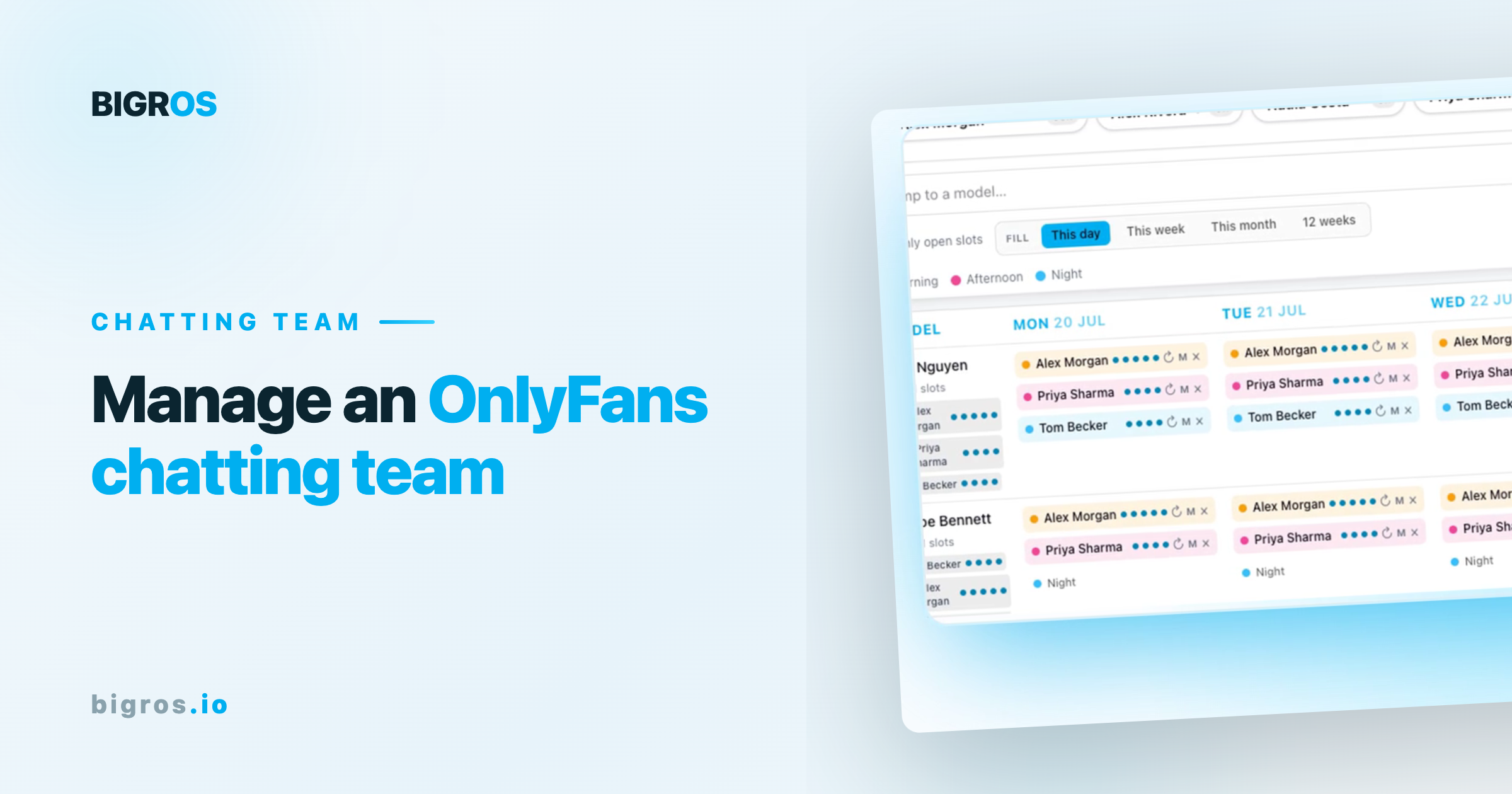
To manage an OnlyFans chatting team, schedule shifts so every account has round-the-clock coverage, give chatters clear per-model guidelines (voice, do's and don'ts, hard limits), track performance, and keep it all on one rota so no fan message goes unanswered. Chatting is where agency revenue is actually made — coverage and consistency are everything.
What does an OnlyFans chatting team do?
Chatters handle the direct messages that drive most of a creator's income — building rapport, upselling PPV content and custom requests, and keeping fans subscribed. They speak as the creator, so consistency and staying on-brand matter as much as speed.
How to staff and schedule the team
- Cover every hour that matters. Fans message around the clock; gaps are lost sales. Map shifts to each account's peak times.
- Use one rota. Every chatter, every account, every shift in one place — so you can see coverage at a glance and no account is left uncovered.
- Plan for scale. As you add creators, the rota is what stops coverage breaking.
Setting guidelines per model
Each creator has a voice, boundaries and rules. Chatters need per-model do's and don'ts and hard limits on hand so every message is on-brand and within the creator's comfort — this protects the creator and the agency.
Measuring chatter performance
Track conversion and revenue per chatter and per account, so you know who is performing, where coverage is thin, and which accounts need attention — instead of guessing.
Frequently asked questions
How many chatters do you need per OnlyFans account?
Enough to cover the hours that account earns — high-earning accounts often need round-the-clock coverage across multiple shifts.
How do you keep chatting on-brand across a team?
Give every chatter per-model guidelines — voice, do's and don'ts, and hard limits — so anyone on shift messages consistently as the creator.
How do you schedule an OnlyFans chatting team?
Use a single rota that maps chatters to accounts and shifts, so you can see coverage across every creator and fill gaps before fans notice.
How do you measure chatter performance?
By conversion and revenue per chatter and per account — the numbers tell you who is converting and where coverage is weak.
BIGROS gives you one rota across every creator and chatter, plus per-model do's and don'ts on the profile — so coverage is tight and every message stays on-brand. See how it works.