
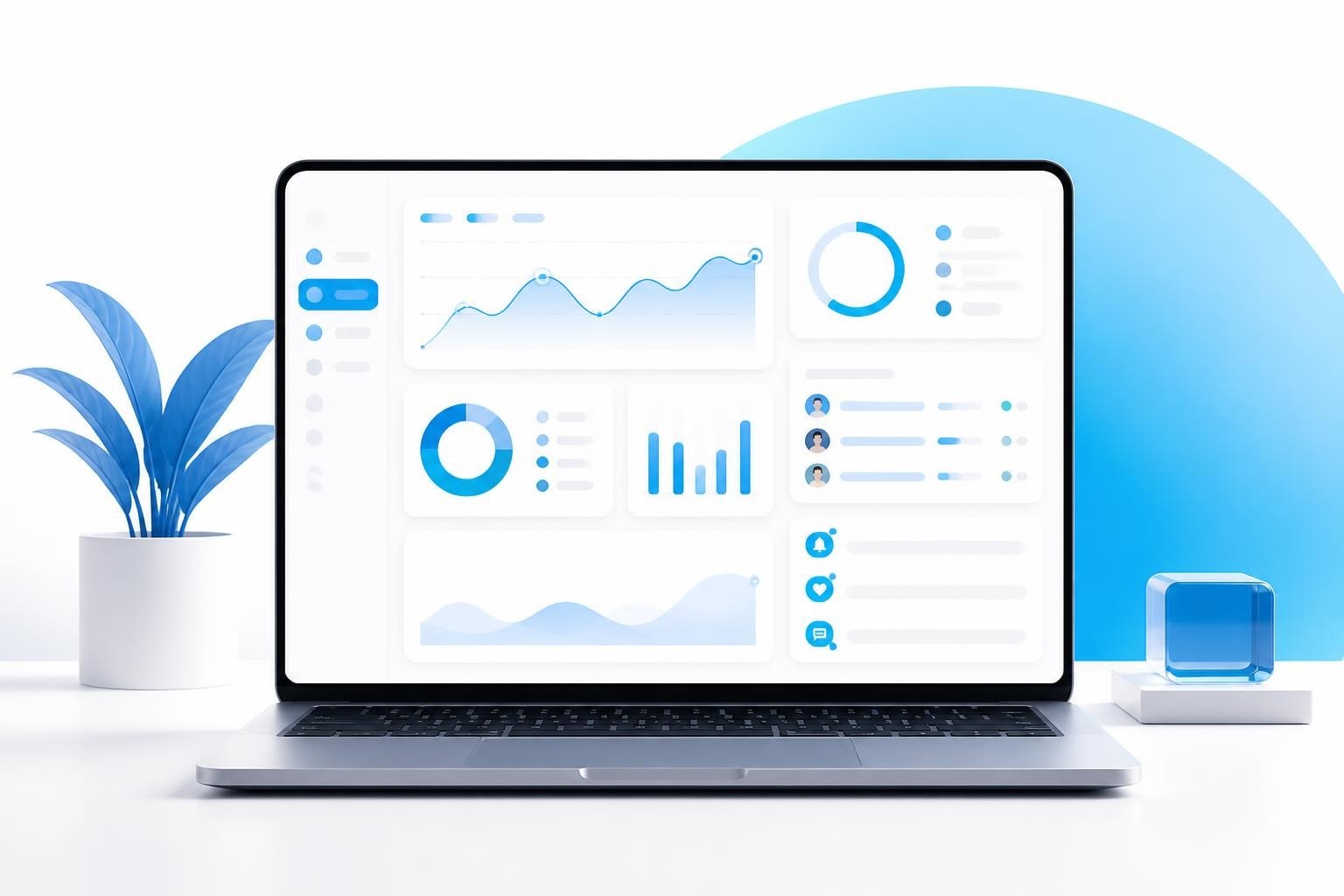
Managing a creator agency beyond 15 models requires visibility into every moving part of your business simultaneously. The traditional approach of jumping between spreadsheets, chat apps, and invoicing tools creates blind spots that cost you money and time. A unified live screen dashboard that displays real-time data across all operations becomes essential for scaling efficiently.
The Operating Reality of Multi-Model Management
When your roster hits double digits, the complexity multiplies exponentially. Each model generates their own onboarding paperwork, compliance documents, content schedules, payout requests, and client communications. Your staff needs instant access to this information without digging through folder structures or waiting for reports to refresh.
A live screen approach consolidates everything into one interface. Your team sees new lead notifications the moment they arrive. Compliance status updates in real time when a model uploads their ID. Payout requests appear instantly when triggered. This immediacy prevents the lag that leads to missed opportunities and frustrated talent.
The shift from static reports to dynamic displays changes how your team operates. Instead of asking "What happened yesterday?" they can answer "What needs attention right now?" Research into real-time data visualizations as live feedback tools demonstrates how immediate information access improves decision-making speed and accuracy across operational teams.
Staff Dashboard Design for Agency Workflows
Your chatters, account managers, and compliance officers each need different information prioritized on their live screen. A single dashboard template rarely serves everyone effectively. The most efficient setups allow role-based customization while maintaining centralized data integrity.
For chatters, priority indicators show which models have the highest engagement rates today, which fans have spent the most this week, and which conversations need immediate attention. For account managers, live earnings comparisons across the roster reveal which models need content strategy adjustments. Compliance officers need instant visibility into pending verifications and expiring documents.
Key elements every staff dashboard should display:
- Current day revenue broken down by model
- Pending tasks sorted by urgency and deadline
- Notification counter for new fan requests or messages
- Model status indicators (active, needs content, compliance pending)
- Quick-access links to most-used functions
The integration of live biofeedback into user interface design offers insights into how real-time data presentation reduces cognitive load and improves response times. While that research focuses on physiological data, the principles apply directly to operational dashboards.
Real-Time Profit and Loss Visibility
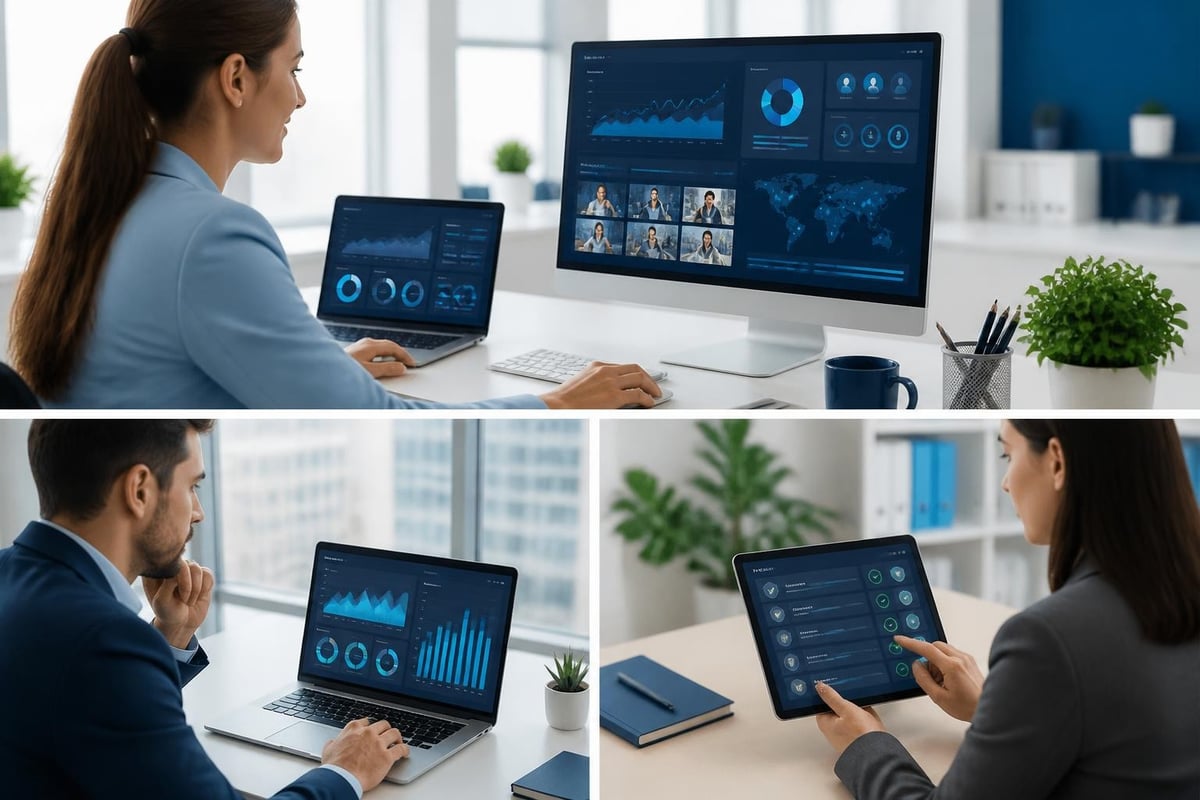
Traditional P&L reports arrive days or weeks after the activity they describe. By the time you see last month's numbers, you've already made this month's decisions without critical data. Live screen P&L tracking flips this dynamic entirely.
Your financial dashboard should update with every transaction. When a model's platform payout hits your account, the revenue line increases immediately. When you process payroll, expenses reflect instantly. This continuous calculation gives you an accurate profit picture at any moment.
Building Accurate Live Financial Metrics
The challenge with real-time financial displays lies in data accuracy. If your live screen shows inflated revenue because pending chargebacks aren't factored in, you'll make poor decisions based on false confidence. The system must reconcile multiple data sources continuously.
Essential components for accurate live P&L:
- Automated platform integration that pulls creator earnings without manual entry
- Expense tracking that captures payroll, software costs, and agency commissions instantly
- Reserve calculations that account for refunds, chargebacks, and delayed payments
- Multi-model aggregation that shows both individual and roster-wide performance
- Historical comparison overlays that contextualize today's numbers against past periods
Many agencies discover their spreadsheet-based approaches break down once they scale past a dozen models. The manual data entry required to keep spreadsheets current introduces delays that eliminate the "live" aspect entirely. Purpose-built software maintains accuracy while delivering instant updates.
| Metric Type | Update Frequency | Decision Impact |
|---|---|---|
| Model Revenue | Real-time | Content strategy adjustments |
| Agency Commission | Per transaction | Cash flow management |
| Staff Costs | Daily | Team expansion planning |
| Net Profit Margin | Hourly | Pricing and retention decisions |
Notification Systems That Actually Work
A live screen loses value if it becomes another ignored alert source. Your team already manages platform DMs, email, Slack messages, and text notifications. Adding another noise layer creates alert fatigue rather than improved responsiveness.
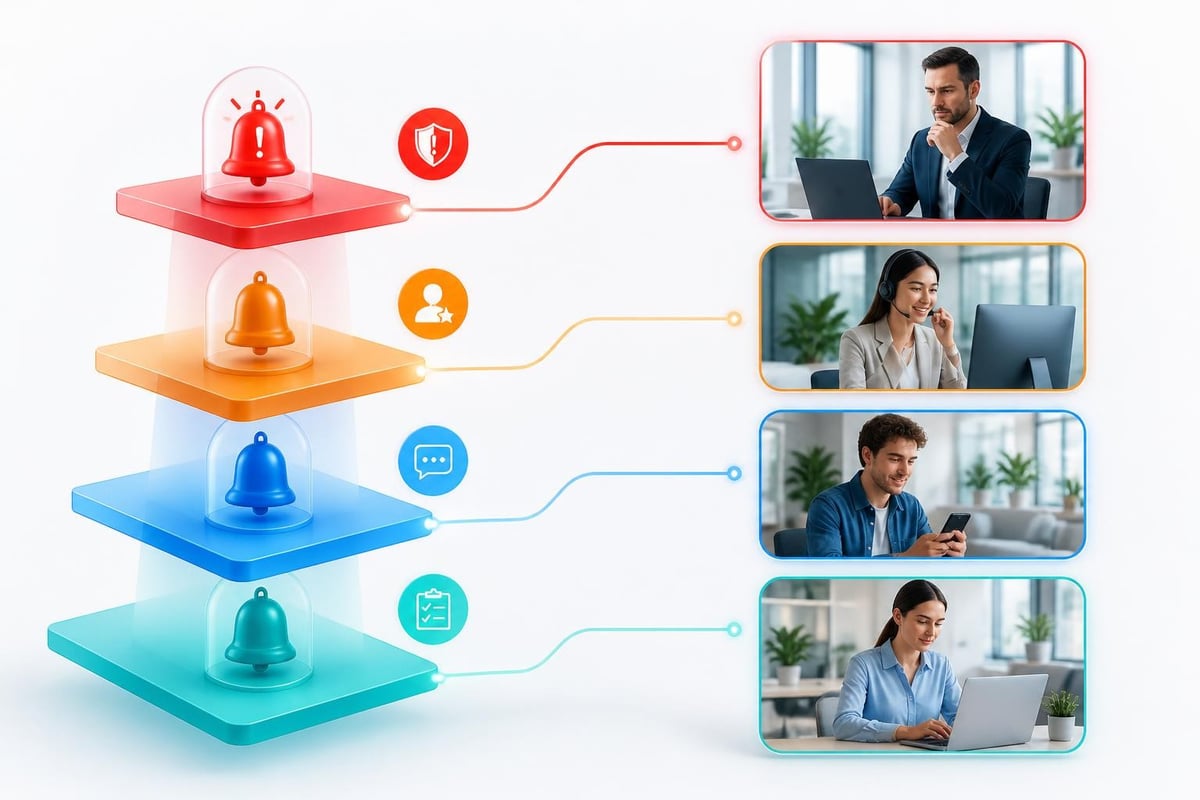
Effective notification systems within a live screen interface use intelligent filtering and priority assignment. Not every event deserves immediate attention. A new lead inquiry requires faster response than a routine content plan completion.
Notification hierarchy for creator agencies:
- Critical: Compliance issue detected, high-value fan complaint, platform account suspension
- High: New qualified lead inquiry, payout request submitted, content deadline missed
- Medium: Fan message pending over 2 hours, model question in support queue
- Low: Content plan completed, routine document uploaded
The system should route notifications to the appropriate team member automatically. Compliance alerts go to your compliance officer, not your chatters. Revenue milestones notify account managers, not billing staff. This targeted delivery prevents notification overload while ensuring the right person sees time-sensitive information.
Research on how display elements affect user experience in virtual environments shows that poorly designed notification systems increase cognitive burden and decrease task completion rates. The same principle applies to operational dashboards.
Lead Management Through Visual Pipelines
Your leads system needs visual representation on your live screen to prevent prospects from falling through gaps. A linear list of names provides no context about where each lead sits in your funnel or how long they've been stalled.
Pipeline visualization displays each lead as a card moving through defined stages: Initial Contact, Qualification Call Scheduled, Onboarding Documents Sent, Compliance Review, Contract Signed, First Content Planned. This spatial representation makes bottlenecks obvious at a glance.
When three leads pile up in "Compliance Review" while nothing moves to "Contract Signed," you know exactly where to focus attention. When your "Initial Contact" stage empties while "Qualification Call Scheduled" stays full, you need more outreach capacity. The live screen reveals these patterns instantly.
Converting Visual Insights Into Action
Seeing the problem on your live screen is step one. Converting that visibility into workflow improvements requires integrated task assignment. When your lead pipeline shows a bottleneck, you should be able to assign follow-up tasks without leaving the dashboard.
Effective pipeline actions:
- Assign lead to specific team member with notification
- Set automatic follow-up reminders based on stage duration
- Trigger template emails for common next steps
- Escalate stalled leads to management after set timeframe
- Archive unqualified leads without deleting historical data
Many agencies use their lead funnel as a reporting tool rather than an operational one. The difference matters. Reports tell you what happened. Operational tools let you intervene while outcomes are still shapeable.
Compliance Status at a Glance
Running a compliant creator agency requires tracking age verification, contract signatures, tax documentation, and platform-specific requirements for every model on your roster. Missing documents create legal exposure and platform account risks. Your live screen must surface compliance gaps immediately.
A color-coded model roster where green indicates full compliance, yellow shows pending items, and red flags critical gaps gives you instant assessment. Clicking any model expands their specific compliance requirements and status.
Your compliance portal integration should update the live screen the moment a model uploads a document or completes a verification step. This eliminates the lag between model action and team awareness. The faster you can confirm compliance, the sooner models start earning.
| Document Type | Renewal Frequency | Alert Timing |
|---|---|---|
| Government ID | Annual | 30 days before expiration |
| Tax Forms | Annual | 45 days before year-end |
| Model Contract | Per term | 60 days before expiration |
| Platform Verification | One-time | Immediate if rejected |
Studies examining cross-display technology for accurate data representation emphasize the importance of consistent information across different viewing contexts. Your compliance status should look identical whether viewed on desktop, tablet, or mobile devices.
Content Calendar Integration
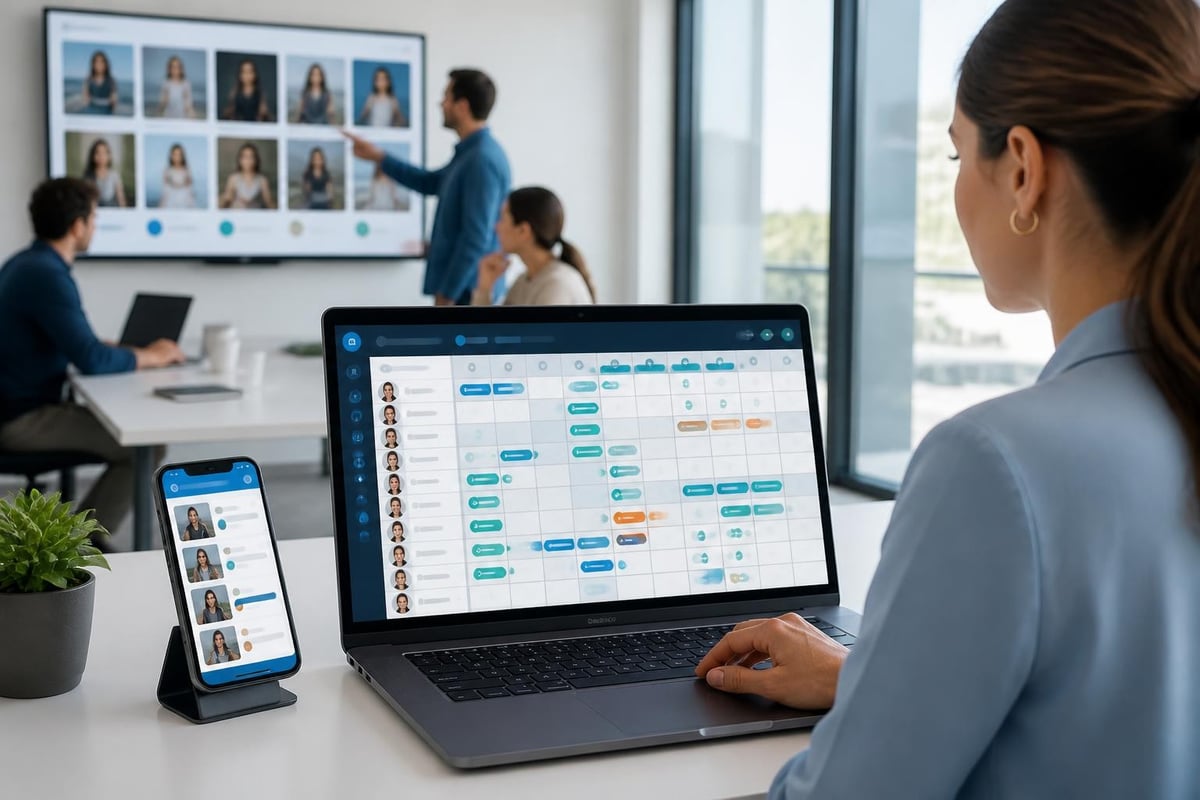
Organizing content production across multiple models requires visibility into what's planned, what's shot, what's edited, and what's scheduled for posting. Your live screen should display this content planning workflow in a unified calendar view.
Each model gets their own row in a Gantt-style display showing their content pipeline for the coming week. Gaps in the schedule appear as empty space, making it obvious which models need attention. Overlapping production dates reveal potential resource conflicts when multiple models need photographers or editing on the same day.
Benefits of live content calendar visibility:
- Identify models falling behind schedule before it impacts earnings
- Distribute production resources efficiently across roster
- Spot content variety gaps (too much of one category)
- Coordinate themed content across multiple models
- Track completion rates to identify production bottlenecks
The calendar updates as models or staff mark tasks complete. When a photographer uploads raw footage, the status changes from "Scheduled" to "Shot - Needs Edit." When the editor finishes, it moves to "Ready to Post." This progression visibility keeps everyone aligned without status update meetings.
Payout Processing Transparency
Models need confidence that their earnings will be calculated accurately and paid on schedule. Your live screen should give both your team and your talent visibility into the payout process without creating security risks.
For your finance team, a dashboard showing pending payout requests, calculated amounts, approval status, and scheduled payment dates prevents errors and delays. For models, a simplified view showing their current earnings, next payout date, and historical payment records builds trust.
The system should flag discrepancies automatically. If a model's platform earnings don't match what your system calculated based on commission splits, the live screen highlights the variance for investigation. This catches errors before payouts process rather than requiring corrections afterward.
Understanding how to pay creators properly involves more than just calculating percentages. Tax withholding, payment method fees, and international transfer complexities all impact net amounts. Your live screen should show both gross and net figures transparently.
Single-Screen Agency Operations
The vision of running your entire creator agency on one screen becomes practical when all these components integrate properly. Your morning doesn't start with opening fifteen browser tabs and three apps. You open one dashboard that shows everything requiring attention.
BIGROS was built specifically to deliver this unified live screen experience for creator agencies. The Creator Agency Operating System consolidates leads, onboarding, contracts, invoices, and live P&L into a single interface designed around how agencies actually operate.
Rather than forcing your workflow into generic business software, you get tools shaped by real agency operations. New lead notifications route to your sales team. Compliance uploads trigger automatic reviews. Content deadlines populate staff dashboards. Payout requests flow through approval workflows. Everything happens on one screen.
Integration Requirements for Unified Dashboards
Building a truly functional live screen requires robust backend integration. Your system must connect to creator platforms to pull earnings data, payment processors to track transactions, contract signature services to confirm agreements, and communication tools to surface notifications.
Critical integration points:
- Platform APIs for automated revenue sync
- Payment gateways for payout processing
- Document signature services for contract workflows
- Cloud storage for compliance document management
- Calendar systems for content scheduling
Many agencies initially try connecting separate tools through manual data entry or basic automation services. This approach breaks down as model count increases. The lag between action and update eliminates the "live" benefit. Purpose-built OnlyFans agency software handles these integrations natively.
Mobile Access for On-the-Go Management
Your live screen can't be desktop-only in 2026. Agency owners need visibility into operations whether they're at their desk, meeting with potential models, or traveling. The mobile experience must preserve the key benefits of consolidated information without cramping everything onto a small display.
Responsive design that adapts layouts to screen size maintains usability across devices. Critical metrics stay prominent on mobile: today's revenue, pending urgent tasks, new notifications. Detailed reports and complex data tables become expandable sections rather than overwhelming the initial view.
Research into smartphone-based live stream interaction methods explores how touch interfaces can deliver rich information efficiently. While focused on viewer experiences, the principles of gesture-based navigation and progressive disclosure apply to agency management dashboards.
Scaling Your Dashboard as Your Roster Grows
A live screen dashboard that works perfectly for 10 models can become unusable at 50 without thoughtful scaling architecture. Visual elements that fit comfortably on one screen when displaying a dozen items become cluttered chaos when that number quadruples.
Strategies for scalable live screen design:
- Implement filtering and grouping options (by account manager, by earnings tier, by status)
- Use summary cards that expand to show details rather than displaying everything always
- Create customizable views so each team member sees only their relevant models
- Build search functionality that surfaces specific models or data instantly
- Design progressive disclosure where high-level overview links to detailed views
Studies of how users interact across different screen contexts show that information architecture matters more than raw screen real estate. A well-organized interface on a laptop outperforms a cluttered display on a 34-inch monitor.
Training Teams on Dashboard-First Operations
Introducing a unified live screen dashboard requires operational change management, not just software training. Your team has established workflows built around their current tools. Shifting to a dashboard-first approach means rebuilding those habits.
The transition works best when you identify one workflow at a time rather than switching everything simultaneously. Start with lead management. Once your team habitually checks the dashboard for new inquiries and updates statuses there, add compliance tracking. Then layer in content calendar visibility.
Effective training sequence:
- Week 1: Lead pipeline management only
- Week 2: Add compliance status tracking
- Week 3: Integrate payout request processing
- Week 4: Include content calendar coordination
- Week 5: Full dashboard adoption with legacy tools retired
Understanding educational benefits of real-time information access in informal learning contexts highlights how live screen dashboards can accelerate team skill development. New staff members learn agency operations faster when they can observe real-time workflows rather than studying static documentation.
Frequently Asked Questions
How often should live screen data refresh to stay truly current?
Most operational data should update within 30 seconds of the source event. Financial metrics can refresh every 5 minutes without losing practical value. Instant updates matter for notifications and compliance status changes, while hourly refreshes suffice for trend analysis charts.
Can live screen dashboards work for agencies under 10 models?
Absolutely. The efficiency gains matter even more when you're still building toward scale. Early adoption of dashboard-first operations prevents the painful transition from spreadsheets to proper systems that larger agencies face. Starting with proper infrastructure supports smoother growth.
What happens when platform APIs go down or data sync fails?
Quality systems include fallback protocols and manual entry options. Your live screen should display the last successful sync timestamp and alert you when data staleness exceeds acceptable thresholds. Critical functions like contract signing and payout approval must work offline with sync when connectivity restores.
Managing a creator agency at scale demands visibility into every operation simultaneously, from lead onboarding through compliance verification to real-time P&L tracking. The live screen approach consolidates fragmented workflows into unified interfaces that prevent critical tasks from slipping through gaps. If you're ready to run your entire agency from one dashboard with instant visibility into model status, staff tasks, and financial performance, BIGROS delivers the operating system built specifically for this reality.